

If its your first time opening Gmail app skip to the next step.
Otherwise click on the burger stack top left.

Next to your existing mailbox. Tap on the arrow

Then tap Add account.

Tap Add an email address.
In some cases the app might automaticly go to the next step.

Tap Other

Type in your email address.
Then tap Manual Setup.

Tap Personal (IMAP)
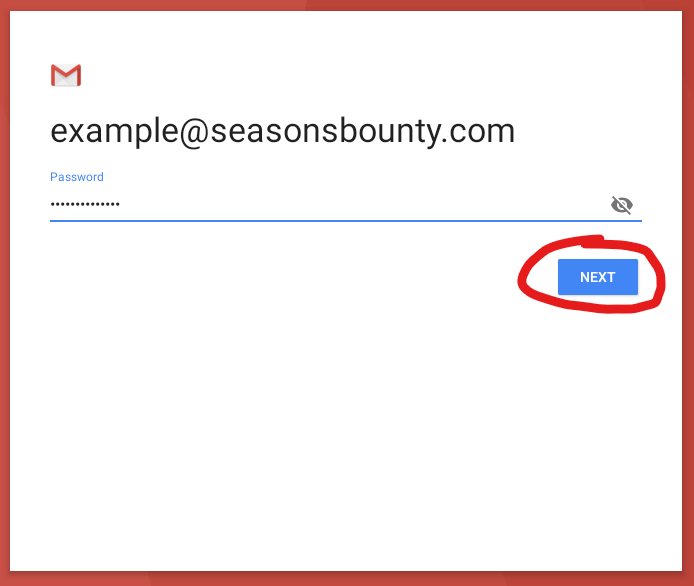
Type in the password.
Then tap next.
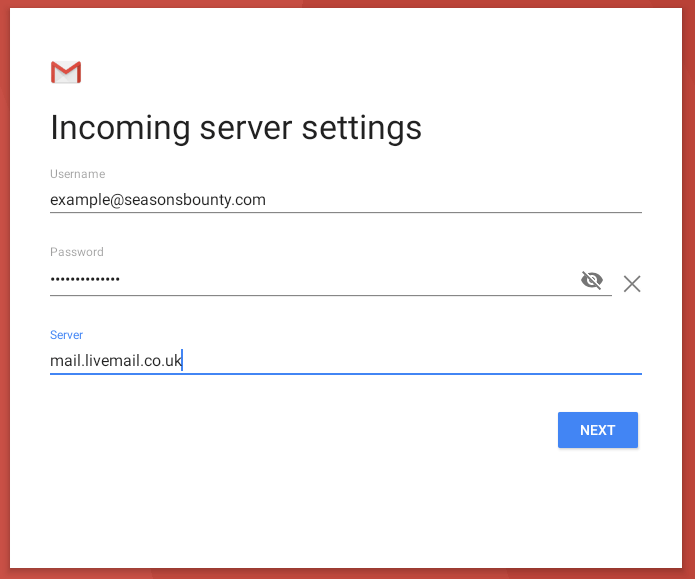
It will now ask for Incoming server settings.
The username and password should automaticly be filled out. The username should be the email address.
For server type in: mail.livemail.co.uk
Then tap next.
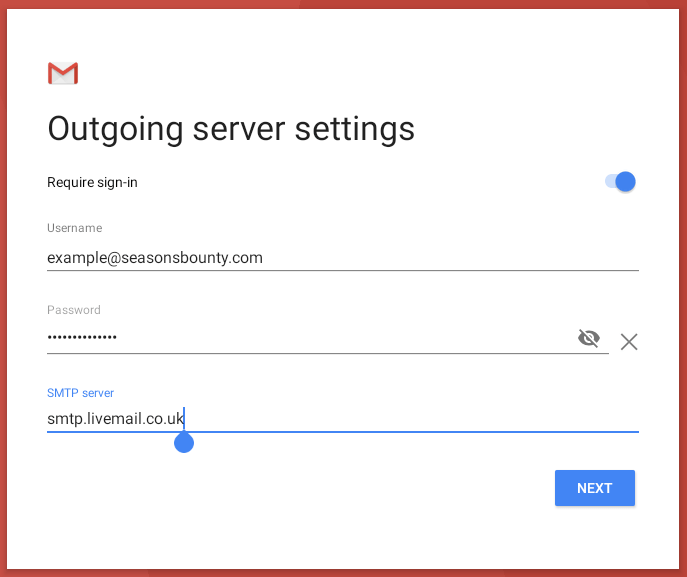
It will now ask for Outgoing server settings.
The username and password should automaticly be filled out. The username should be the email address.
For server type in: smtp.livemail.co.uk
Then tap next.
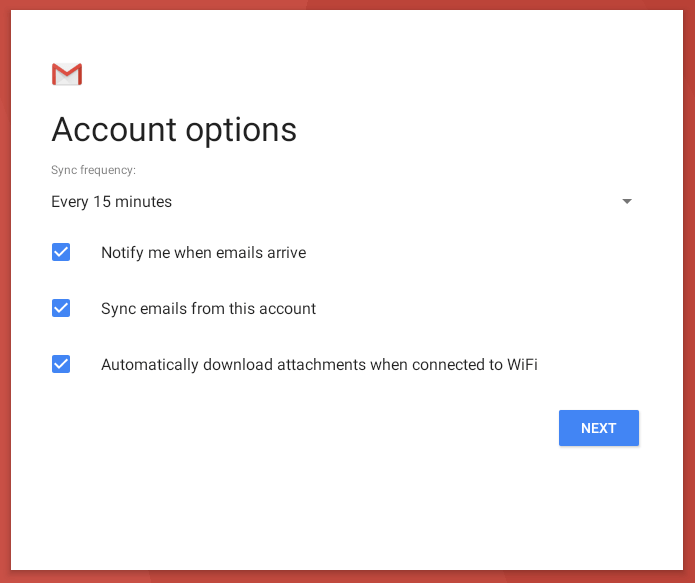
Account options
Customise to what you require.
Then tap Next.
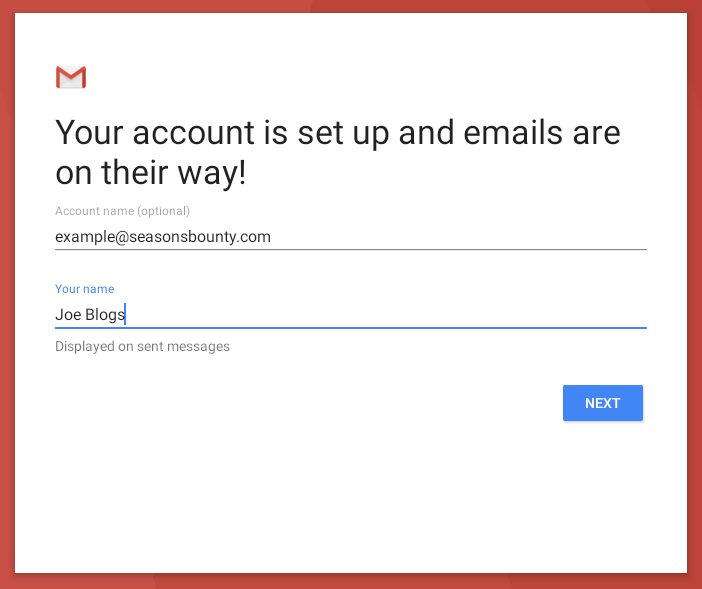
Type in your name
Then tap next.
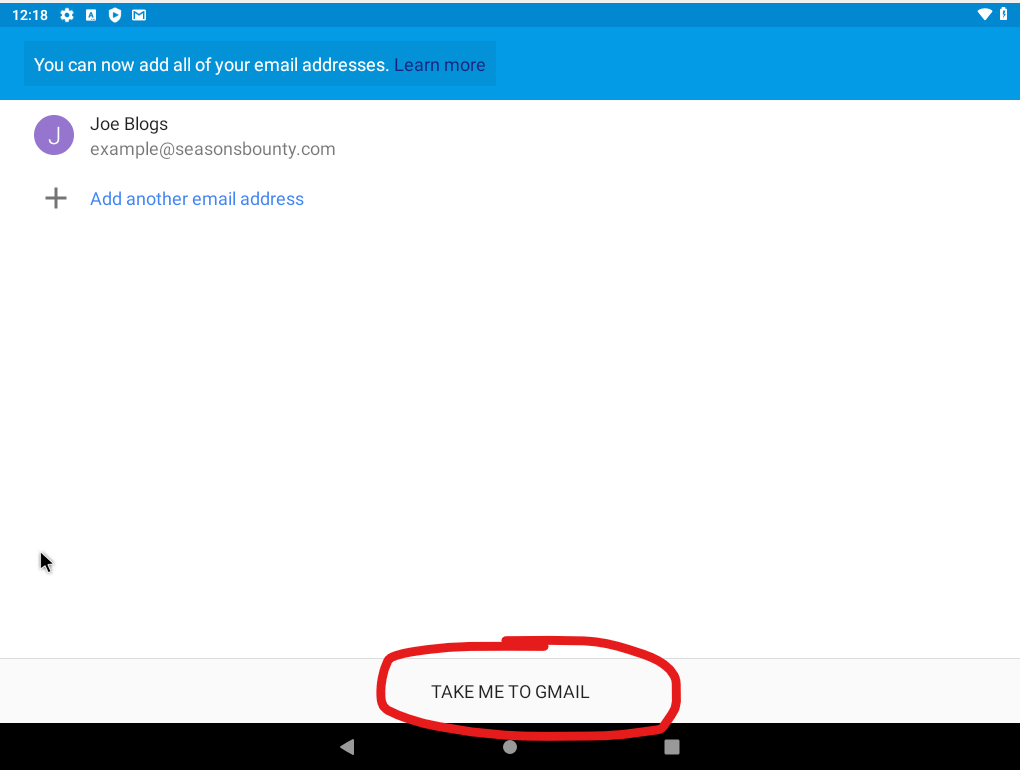
You be taken back to the account list. You can continue adding other mailboxes or you can go to Gmail by taping “Take me to Gmail” to view your mailbox.
