Starter / Starter Plus / Exchange
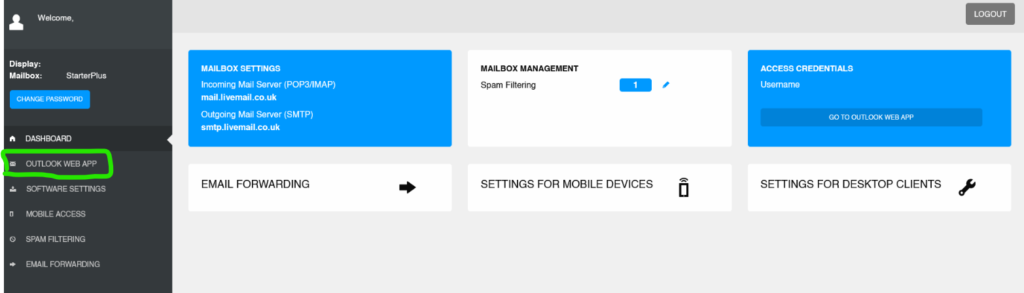
If your mailbox is starter, starter plus or exchange, please click on Outlook Web App.
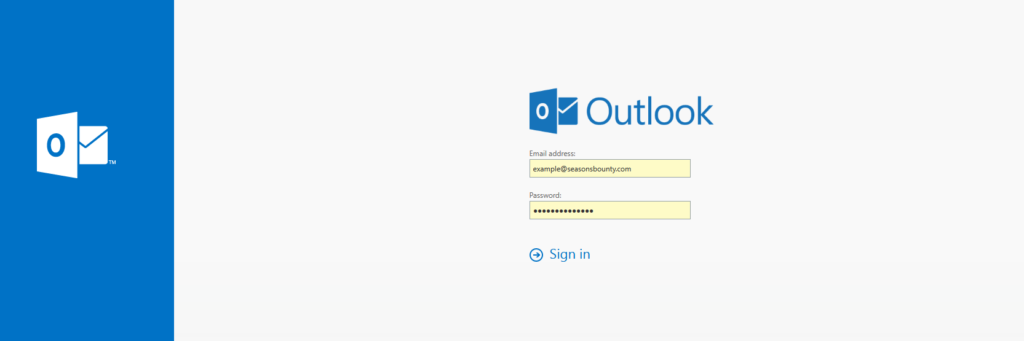
You will be asked to sign in again, please use the same details that you used to login to the control panel.
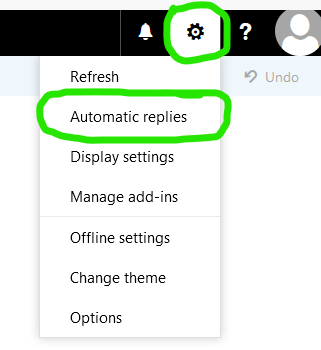
After logging in. Click on the gear icon in the top right corner, then click Automatic Replies.
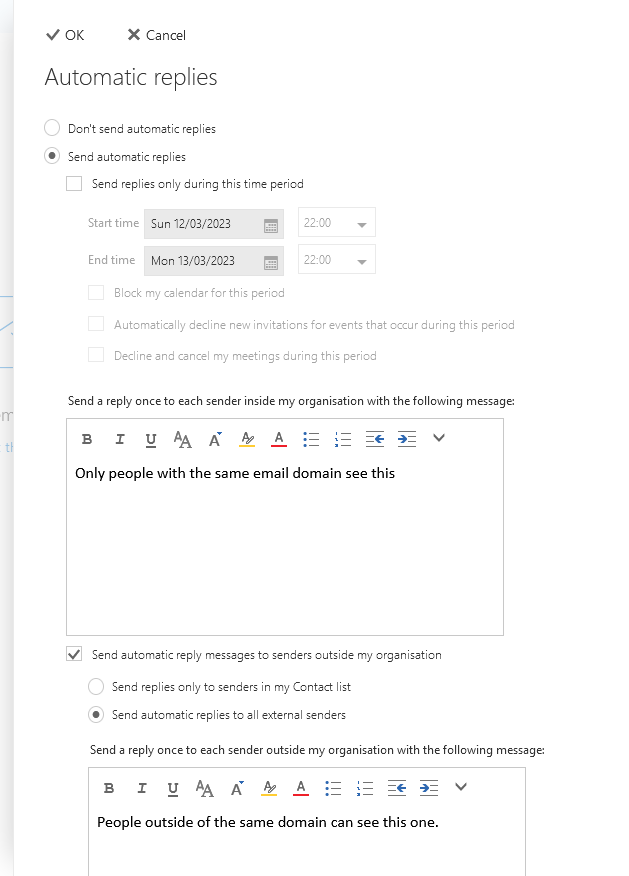
You will now see the options to set a automatic reply. Fill out the settings you desire and click OK.
Note: As it is exchange, you can have a diffferent message for external users and internal users. The inside one are sent to people with the same @domain as you.